


.webp)
The right tools can be the difference between a frustrating creative process and one that flows effortlessly from concept to finished design. With so many graphic design tools available ranging from free browser-based platforms to sophisticated professional software choosing the right ones for your skill level, use case, and budget can feel overwhelming.
This guide cuts through the noise and gives you a clear, practical breakdown of the best graphic design tools available in 2026, organised by skill level and use case. Whether you are just starting out as a designer, building a creative side business, or a seasoned professional looking to stay current with your tool stack, this guide has what you need.
Tools for Beginners
Canva - The Accessible All-Rounder
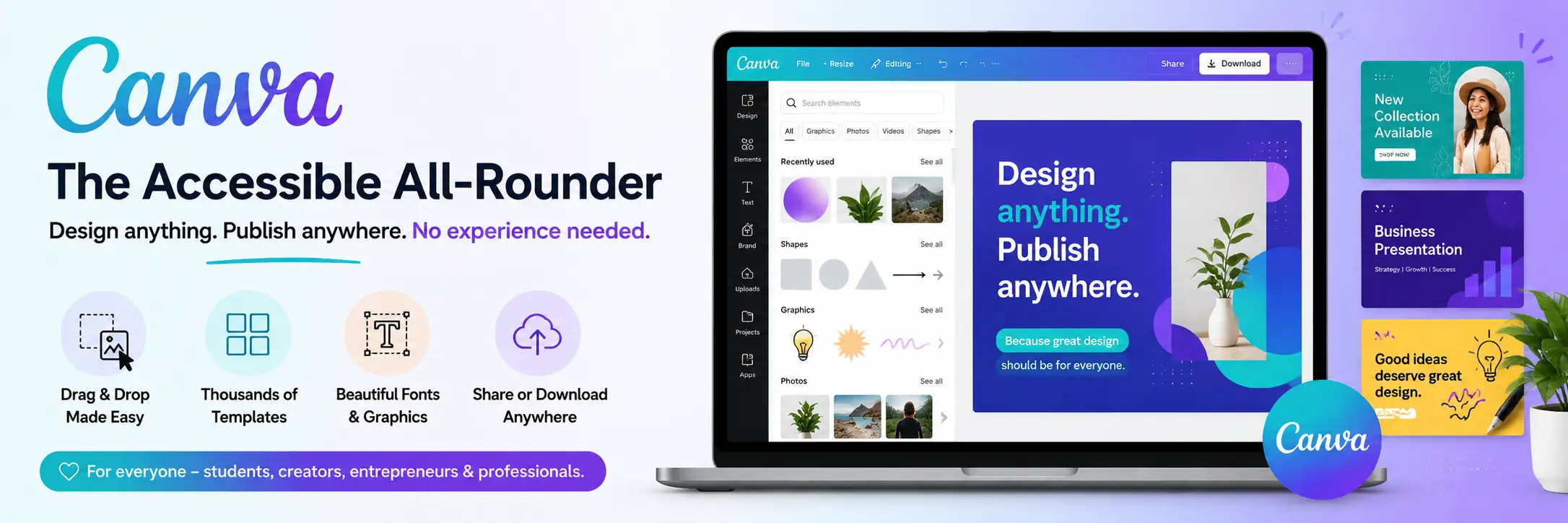
Canva has genuinely democratised graphic design. Its drag-and-drop interface, thousands of professionally designed templates, and intuitive controls enable non-designers to produce attractive social media graphics, presentations, marketing materials, and more without any formal design training.
Why beginners love it:
Zero learning curve functional within minutes of first use
Enormous template library covering virtually every common design use case
Built-in stock photography, illustration, and element library
Automatic brand kit that applies your colors, fonts, and logo to any template
Free tier is genuinely capable; Canva Pro (approximately ₹4,000/year) unlocks significantly more features
Collaboration features enable teams to work on designs simultaneously
Limitations: Canva's templates can produce a generic look many businesses produce Canva designs that immediately reveal themselves as Canva designs. For genuine brand differentiation, its limitations in typographic control, advanced layout, and output quality become significant.
Adobe Express - Canva's Well-Resourced Rival
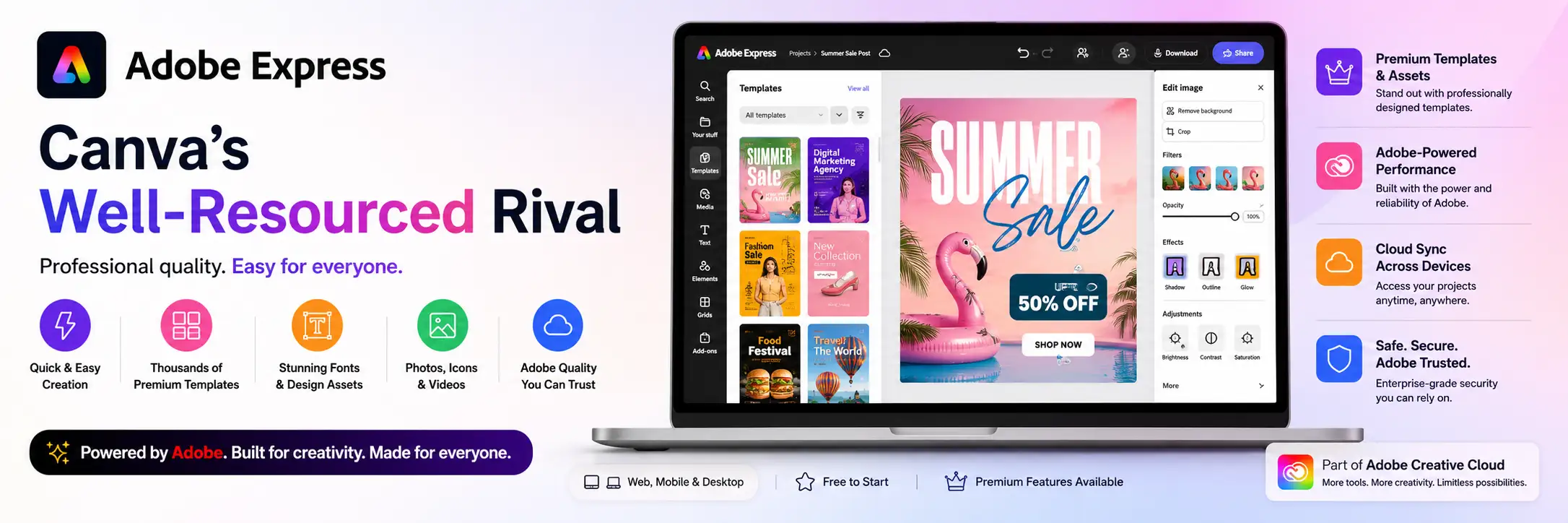
Adobe's entry into the accessible design market, Adobe Express combines ease of use with access to Adobe's enormous stock library and integration with the broader Adobe Creative Cloud ecosystem. For users who eventually intend to graduate to Photoshop, Illustrator, or InDesign, beginning with Adobe Express creates a natural pathway.
Piktochart - For Data Visualisation and Infographics
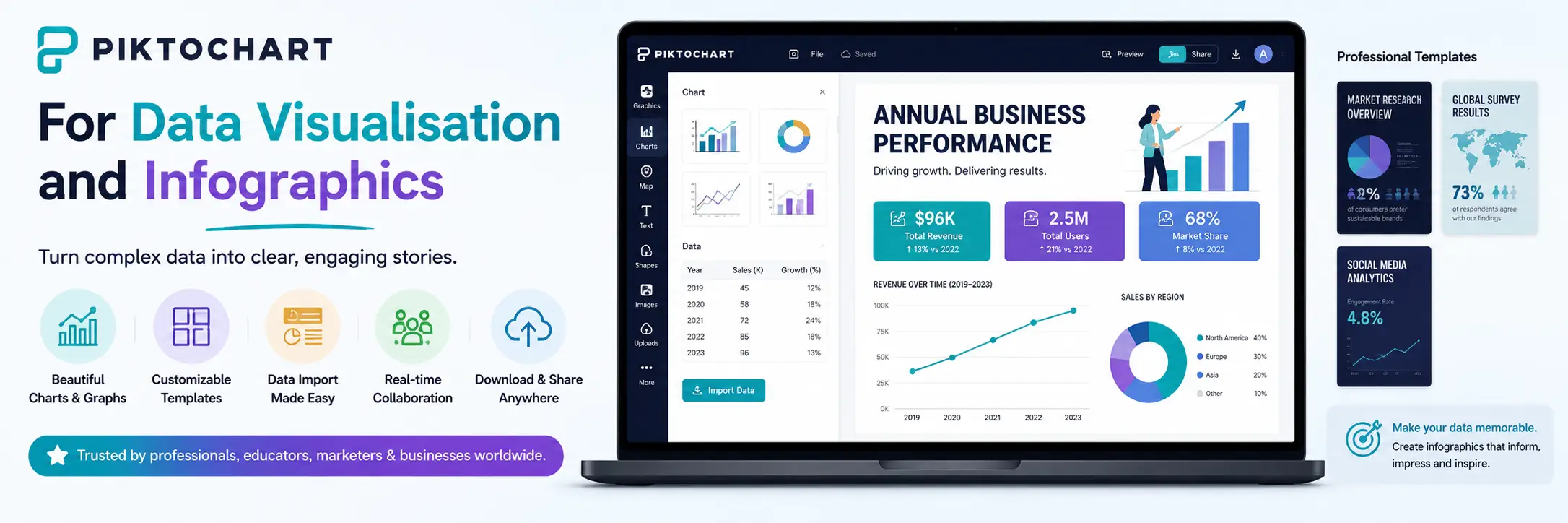
Piktochart specialises in making data-driven design accessible infographics, reports, presentations, and charts. If your primary design needs involve communicating data visually, Piktochart provides templates and tools that produce genuinely attractive results with minimal design experience required.
Tools for Intermediate Designers
Adobe Photoshop - The Industry Standard for Image Editing
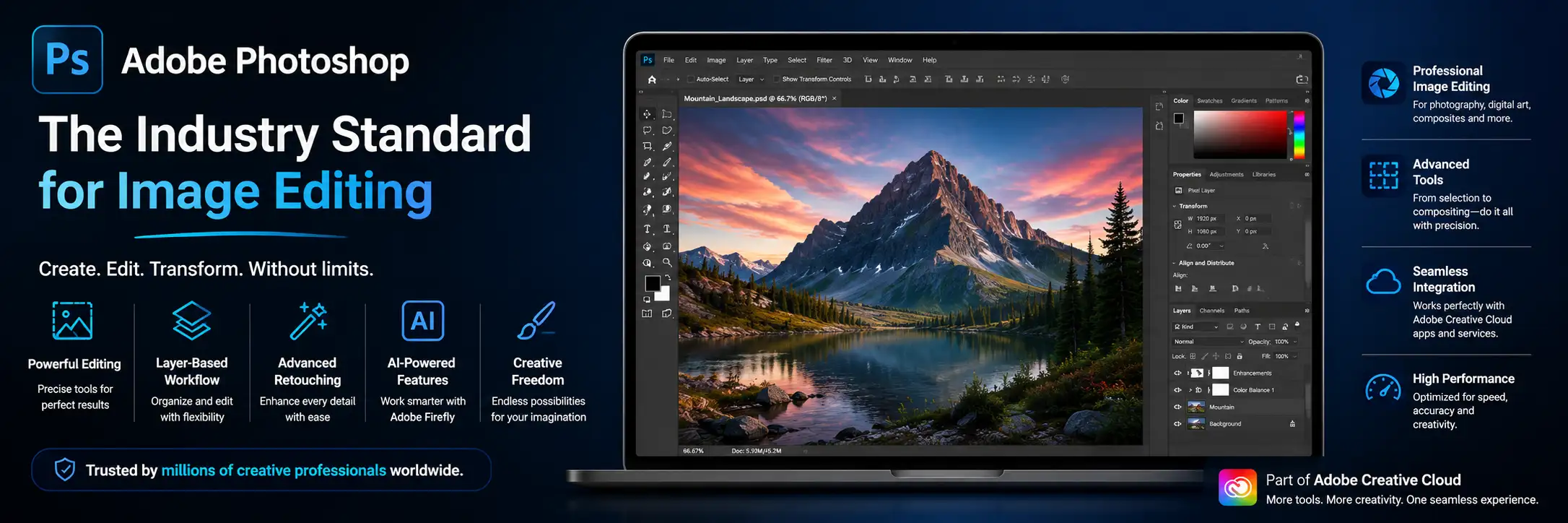
Photoshop remains the definitive image editing software the benchmark against which all alternatives are measured. If you work with photography, digital art, photo manipulation, web design mockups, or any application that involves pixel-based image work, Photoshop's capabilities are unmatched.
What Photoshop does best:
Photo retouching and manipulation at professional quality
Digital painting and illustration with extensive brush libraries
Composite image creation combining multiple photographic elements
Text on image and photo-based marketing design
Social media creative production at scale using templates and actions
Print-ready artwork preparation with full color management control
Learning curve: Photoshop rewards deep investment in learning. Its capabilities are vast, and mastery takes time but the online learning ecosystem (Adobe tutorials, YouTube, LinkedIn Learning, Udemy) is equally vast and well-developed. Available through Adobe Creative Cloud subscription (from approximately ₹1,800/month for single apps, ₹4,200/month for all apps).
Adobe Illustrator - The Vector Design Standard
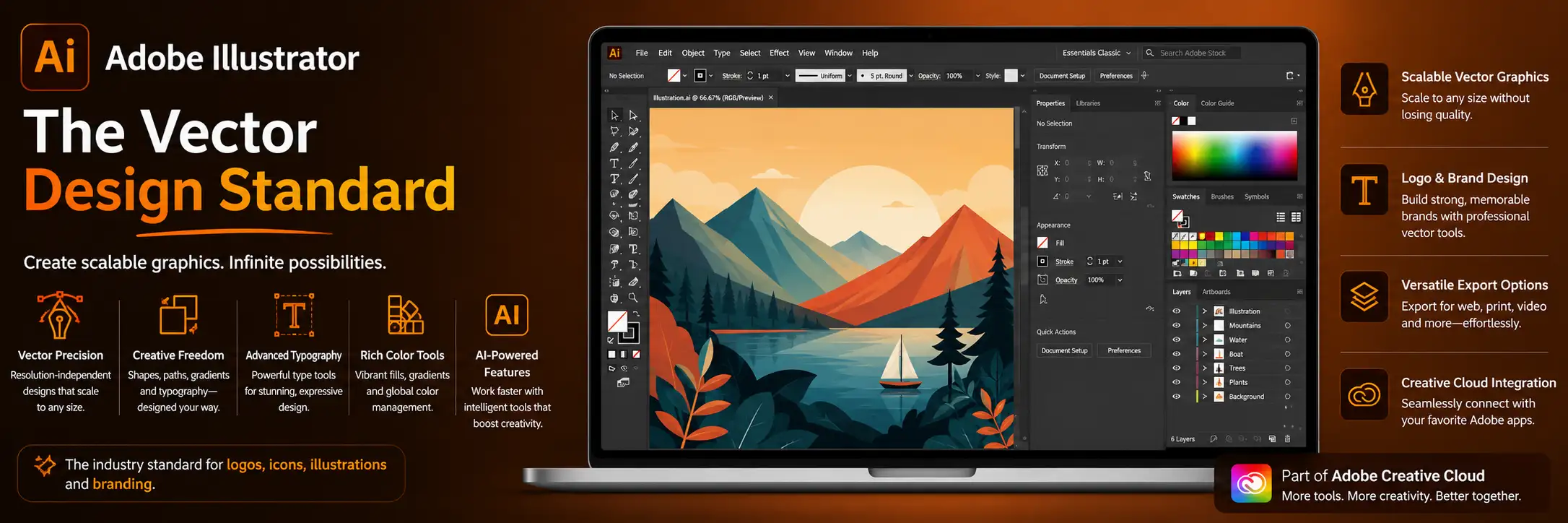
If Photoshop works with pixels, Illustrator works with vectors mathematically defined shapes that scale infinitely without quality loss. This makes Illustrator the essential tool for logo design, brand identity work, illustration, iconography, and any design that must reproduce cleanly from a business card to a building sign.
Why Illustrator matters:
Logos and brand identity require vector format Illustrator is the industry standard tool for this
Vector illustrations maintain perfect quality at any size
Typography handling in Illustrator is more sophisticated than Photoshop for logo and headline type work
Output formats serve both print and digital applications
Industry expectation: professional brand identity files are delivered in Illustrator format (.ai, .eps, .svg)
Figma - The Collaborative Interface Design Standard
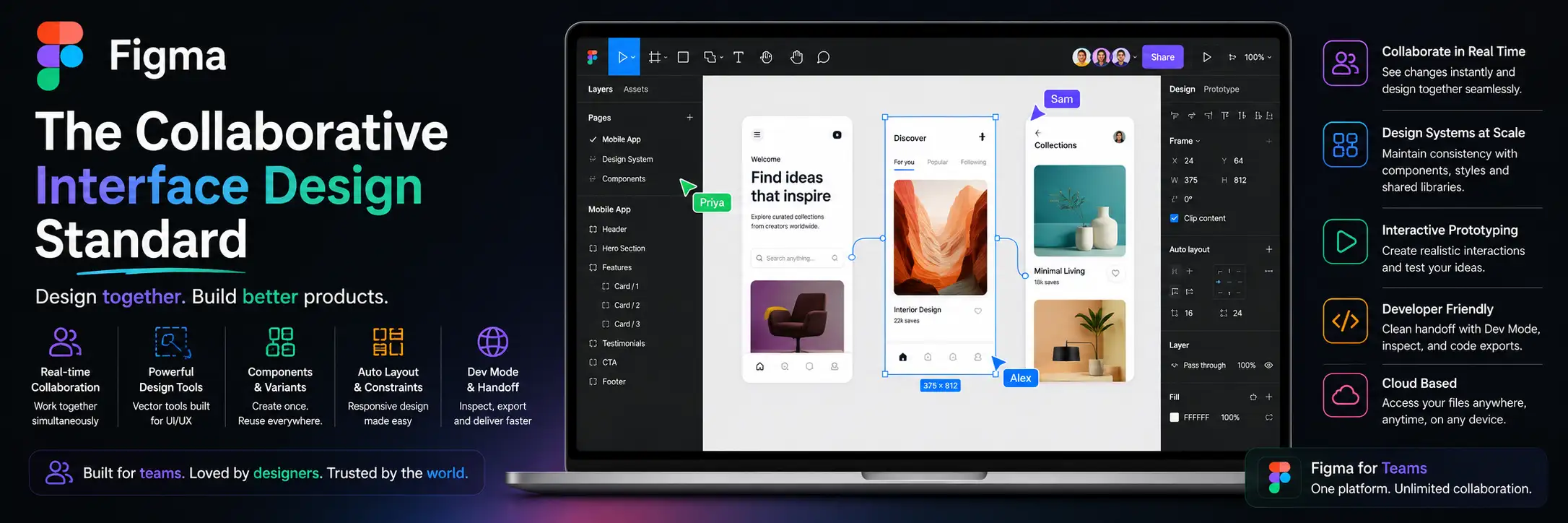
Figma has become the dominant tool for UI/UX design, web design, and design systems work. Its browser-based architecture enables real-time collaboration that Adobe's desktop applications cannot match, and its component and prototype capabilities make it exceptionally powerful for product and web design workflows.
Why Figma has taken over digital design:
Real-time collaboration multiple designers working on the same file simultaneously
Design systems and component libraries that enforce consistency across large projects
Prototype mode that creates clickable interactive mockups for user testing
Developer handoff that provides CSS code, dimensions, and asset exports directly from designs
Free tier is highly capable Figma is accessible without upfront investment
Plugin ecosystem that extends capabilities significantly
Professional-Level Tools
Adobe InDesign - Print and Publication Design
InDesign is the professional standard for multi-page document design: annual reports, brochures, magazines, books, catalogues, and any project involving complex page layout across multiple pages. Its typographic capabilities are the most sophisticated in any design application, and its master pages, style system, and linked content management enable efficient production of complex publications.
Adobe After Effects - Motion Design and Animation
As video and motion graphics become increasingly central to brand communication from animated logo reveals to social media video content to web animations After Effects provides professional-level motion design capability. Combined with Premiere Pro for video editing, it forms the backbone of most professional motion design workflows.
Blender - 3D Design and Motion Graphics
Three-dimensional brand elements, product visualisations, and 3D motion graphics are growing in use across digital marketing. Blender is the most powerful free 3D design tool available professional-grade capability with no license cost, though its learning curve is significant.
Procreate - Digital Illustration on iPad
Procreate on iPad with Apple Pencil has become the tool of choice for digital illustrators and hand-lettering artists. Its extensive brush library, gesture-based interface, and timelapse recording make it both highly capable and uniquely enjoyable to use. The resulting files can be exported to Illustrator for vectorisation or used directly as digital assets.
AI-Powered Design Tools (2026)
Adobe Firefly - AI Generation Within the Creative Cloud
Adobe Firefly brings AI image and vector generation directly into Photoshop, Illustrator, and InDesign workflows. Trained on licensed content, it is commercially safe for professional use a critical consideration that distinguishes it from tools trained on unlicensed data. Its generative fill, background generation, and text-to-image capabilities are integrated into existing professional workflows rather than requiring a separate tool.
Midjourney - The Creative Direction Tool
Midjourney produces the highest-quality AI-generated imagery for creative direction purposes mood boards, concept exploration, atmospheric reference imagery. It has become a standard tool in creative agency workflows for the ideation and concept development phase, enabling rapid visual exploration that would previously have required significant photography or illustration investment.
Runway - AI Video Generation and Editing
Runway's AI video generation tools are enabling brands to produce motion content at dramatically reduced cost and production time. Text-to-video, image-to-video, and AI-powered video editing capabilities make sophisticated motion content accessible to brands without dedicated video production resources.
Project Management and Collaboration Tools
Professional design doesn't happen in isolation it requires client communication, file sharing, feedback management, and project coordination:
Notion: documentation, brand guidelines, client briefs, and project management in a flexible, beautifully designed workspace
Loom: async video communication for design presentations and client feedback eliminates the need for many synchronous meetings
Frame.io: video review and collaboration platform with frame-accurate annotation industry standard for video and motion design review
Brandfolder or Bynder: digital asset management for brands that need to organise, share, and control access to large libraries of brand assets
Building Your Tool Stack
Conclusion
The best graphic design tool is the one that is most appropriate for your skill level, use case, and project requirements and that you use consistently and continue to develop your skill with over time. For most creative professionals, the answer is not a single tool but a complementary stack: Figma for digital interface work, Illustrator for brand and logo work, Photoshop for image editing, and Adobe Express or Canva for rapid content production.
Start where your skill level is, invest in learning the tools you choose deeply, and expand your stack as your practice grows. The investment in mastering professional design tools pays dividends across every project, every client relationship, and every career opportunity.
.png)
Comments